

Opencals vs Acuity Scheduling: a detailed comparison for service businesses

Both Opencals and Acuity Scheduling solve the core problem of online booking, but they approach it from different angles. Acuity focuses on streamlined appointment scheduling for independent professionals and small teams. Opencals models the operational complexity of service businesses — treating bookings as inventory tied to staff, locations, capacity, and commerce.
Your choice depends on whether your business fits a standard appointment model or needs the flexibility to manage multi-variable service operations.
2x
Fewer dependencies for complex services
40%
More flexible pricing models
Single platform
For scheduling + commerce + operations
Pricing models and cost structure
Acuity Scheduling operates on a straightforward subscription model. Entry-level plans start around $16 per month (billed annually) for a single calendar and core features. Mid-tier plans ($25–$49/month) add multiple staff calendars, advanced automations, and integrations. There are no usage-based options—you pay a fixed monthly fee regardless of booking volume.
Opencals offers both usage-based and fixed-plan pricing. The platform typically starts with usage-based pricing around $1 per completed booking, with no monthly minimum. As volume grows, businesses transition to fixed monthly plans that scale based on locations, staff members, and feature tiers. That keeps the entry cost low for startups while still supporting high-volume operations.
Tip
For small teams with predictable booking volumes, Acuity's subscription approach may cost less upfront. For rapidly growing businesses or those with highly variable demand, Opencals' usage-based entry point often feels less risky.
Core booking and scheduling features
Both platforms handle the fundamentals of online booking — availability rules, time slots, service configuration, and automated reminders. The differences emerge in how they model operational complexity.
Acuity Scheduling is good at straightforward appointment scheduling. You define a service, duration, price, and availability, and clients see available slots. The platform supports multiple staff calendars, recurring appointments, and time buffers between bookings. It handles capacity limits for group classes or workshops. For solo practitioners, coaching networks, and small service teams, that's often enough.
Opencals calculates availability dynamically across multiple variables at once: staff schedules, location hours, service rules, shared resources, staff skills or certifications, and capacity constraints. So it can handle a request like "Book a 90-minute massage with a Thai specialist at our downtown location on a day when the hydrotherapy room is also free."
Acuity can technically cover some of these scenarios through workarounds — splitting staff into different accounts, creating separate services, or manual adjustments. But those feel clunky next to native multi-variable availability.
Note
Multi-location and multi-staff operations
Acuity Scheduling supports multiple staff calendars in higher-tier plans. But managing many locations or complex staff hierarchies takes careful service and staff configuration. Each calendar operates somewhat independently, and you have to keep locations consistent by hand.
Opencals treats each location as a distinct operational entity with its own hours, staff, services, and rules. Staff can be assigned to multiple locations with location-specific schedules. Availability rules apply globally and locally, so you can manage chains or franchises without recreating configurations for every location.
For businesses with 3+ locations or complex staff structures, Opencals gives clearer visibility and less administrative burden.
Integrations and platform ecosystem
Acuity Scheduling integrates with common tools: payment processors (Stripe, PayPal, Square), calendar services (Google Calendar, Outlook), and video platforms (Zoom, Google Meet). It also integrates with Squarespace, its parent company, which helps if you already use Squarespace. For custom integrations, Acuity offers a developer API.
Opencals covers the standard integrations (Stripe, PayPal, calendars) and adds Shopify integration for appointment-based products and subscriptions. It also provides a developer API and can operate as an infrastructure layer for custom applications — useful for agencies building custom booking experiences or businesses that need deep integration with existing systems.
| Integration Type | Acuity Scheduling | Opencals |
|---|---|---|
| Payment processors | Stripe, PayPal, Square | Stripe, PayPal, Square, and more |
| Calendar sync | Google, Outlook | Google, Outlook, and others |
| Shopify | No | Yes, native integration |
| Developer API | Limited | Comprehensive, infrastructure-grade |
| Webhook support | Limited | Extensive |
| Custom integrations | Possible but limited | Built for custom workflows |
Commerce and payment capabilities
Acuity Scheduling treats payments as a booking transaction. You can collect full payment, deposits, or store payment info at booking. The platform generates invoices and can manage gift certificates, discount codes, and subscriptions. But the focus stays on scheduling — payments are tied to appointments.
Opencals ties commerce in more deeply. Bookings generate orders that connect to revenue tracking, refunds, cancellations, and customer lifecycle management. The system tracks which bookings have been paid, partially paid, or refunded, and it supports variable pricing, add-ons, and packages. A booking becomes a full service-commerce transaction, not just a calendar event.
For businesses that need sophisticated payment logic, refund tracking, or revenue reporting tied to bookings, Opencals goes deeper.
Automation and customer communication
Both platforms automate confirmation emails, reminders, and follow-up messages. Acuity Scheduling offers conditional automation based on appointment type or staff member. Opencals goes further with customizable communication flows, SMS notifications, and event-based triggers tied to booking lifecycle events (creation, confirmation, cancellation, rescheduling).
The gap matters most for high-volume operations: Opencals' automation model supports more complex customer journeys, while Acuity's centers on standard booking confirmations and reminders.
Best use cases: when to choose each platform
Choose Acuity Scheduling if:
- You're a solo professional (coach, consultant, therapist, designer) with a straightforward service offering
- Your services follow a standard appointment model with fixed duration and pricing
- You operate from a single location with minimal staff
- You want simple, fast setup with minimal configuration
- You prioritize ease of use over operational flexibility
- Your booking volume is predictable and stable
Choose Opencals if:
- You operate multiple locations with independent schedules and staff
- Your services depend on multiple variables (staff skills, location availability, shared resources, capacity constraints)
- You need sophisticated commerce integration (subscriptions, packages, variable pricing, detailed revenue tracking)
- You're building a custom booking experience or integrating with external systems
- You expect to scale significantly (more staff, locations, or booking volume)
- You need rental or multi-day reservation models
- You're an agency managing multiple businesses or clients
Pros
- Simpler to set up for solo practitioners
- Lower cost for basic appointment scheduling
- Excellent Squarespace integration
- Good mobile experience
Cons
- Limited support for operational complexity
- Multi-location management requires workarounds
- Fixed pricing regardless of volume
- Not designed for rental or multi-day services
Scalability and growth considerations
Acuity Scheduling scales well for teams of up to 10–15 staff members in a single location. Beyond that, operational complexity gets harder to manage without workarounds. Adding locations or multi-staff dependencies takes significant manual configuration.
Opencals supports unlimited locations, staff hierarchies, and complex operational rules. As your business grows, you're adding data to existing configurations, not changing how the system works.
Warning
Customization and white-labeling
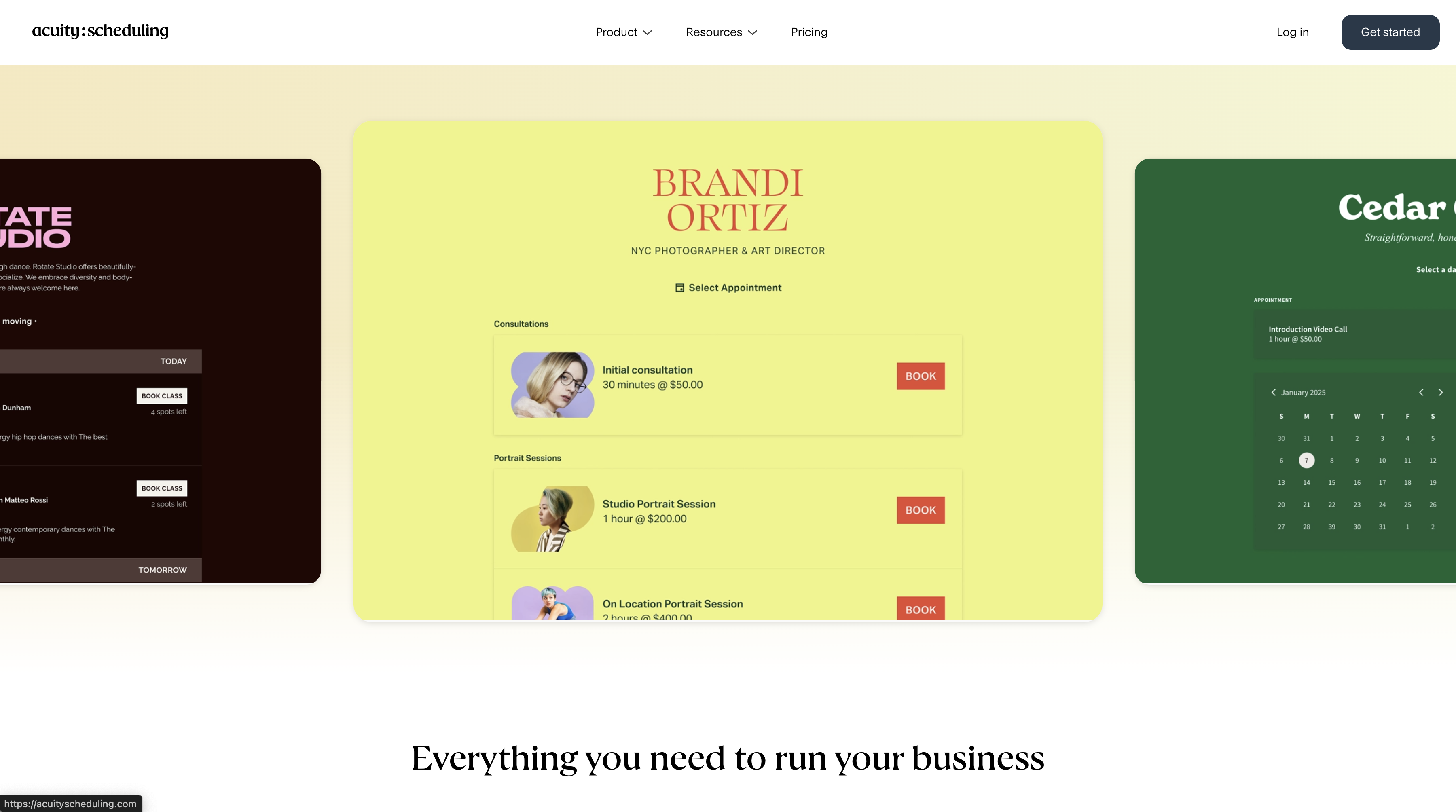
Acuity Scheduling allows booking page customization (colors, branding, custom fields) but stops short of true white-labeling. You can brand the page but not the underlying platform.
Opencals offers white-label solutions for agencies and resellers. You can brand the entire customer experience while managing multiple clients from a single backend — valuable if you're an agency offering booking services to multiple clients.
Analytics and reporting
Acuity Scheduling provides basic reporting on appointment volume, revenue, and client information. It's limited but sufficient for most small teams.
Opencals includes more detailed analytics: booking source tracking, revenue attribution, staff performance metrics, and operational insights tied to inventory (locations, services, capacity utilization). For businesses that want detailed insight into operational performance, Opencals gives you more data.
Conclusion
Start by honestly assessing your operational model. If you're selling straightforward, individual appointments from a single location, either platform works — choose based on price and interface preference. If you're managing teams, locations, or complex service dependencies, Opencals removes the workarounds that eventually slow down Acuity-based operations.
Get started
Ready to transform your service business?
Join 150+ businesses already using Opencals. Start on a free development store with every feature unlocked, and only pay once you go live.