

America/New_York) with two campuses and an online
classroom, teaching Spanish, French, German, Italian, Japanese and Mandarin. The
design is friendly and colorful: chunky sticker buttons, speech-bubble chips and
3D mascots next to real photos.
Live demo
template-fluently.vercel.app
Source code
letsopencals/template-fluently (MIT)
Deploy to Vercel
One-click deploy
Build it with AI
classes-and-lessons reference
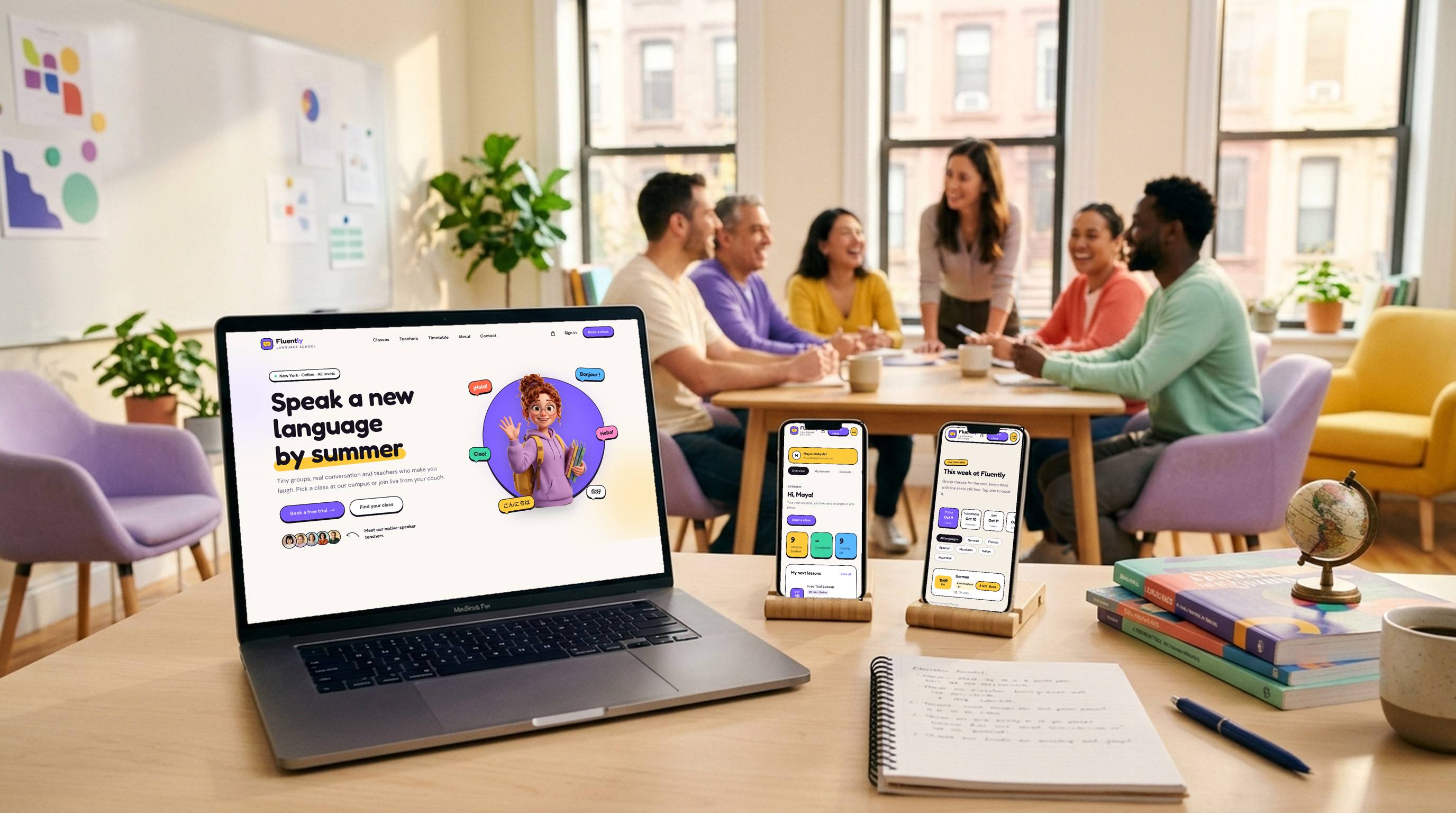
Fluently — the storefront on desktop and mobile
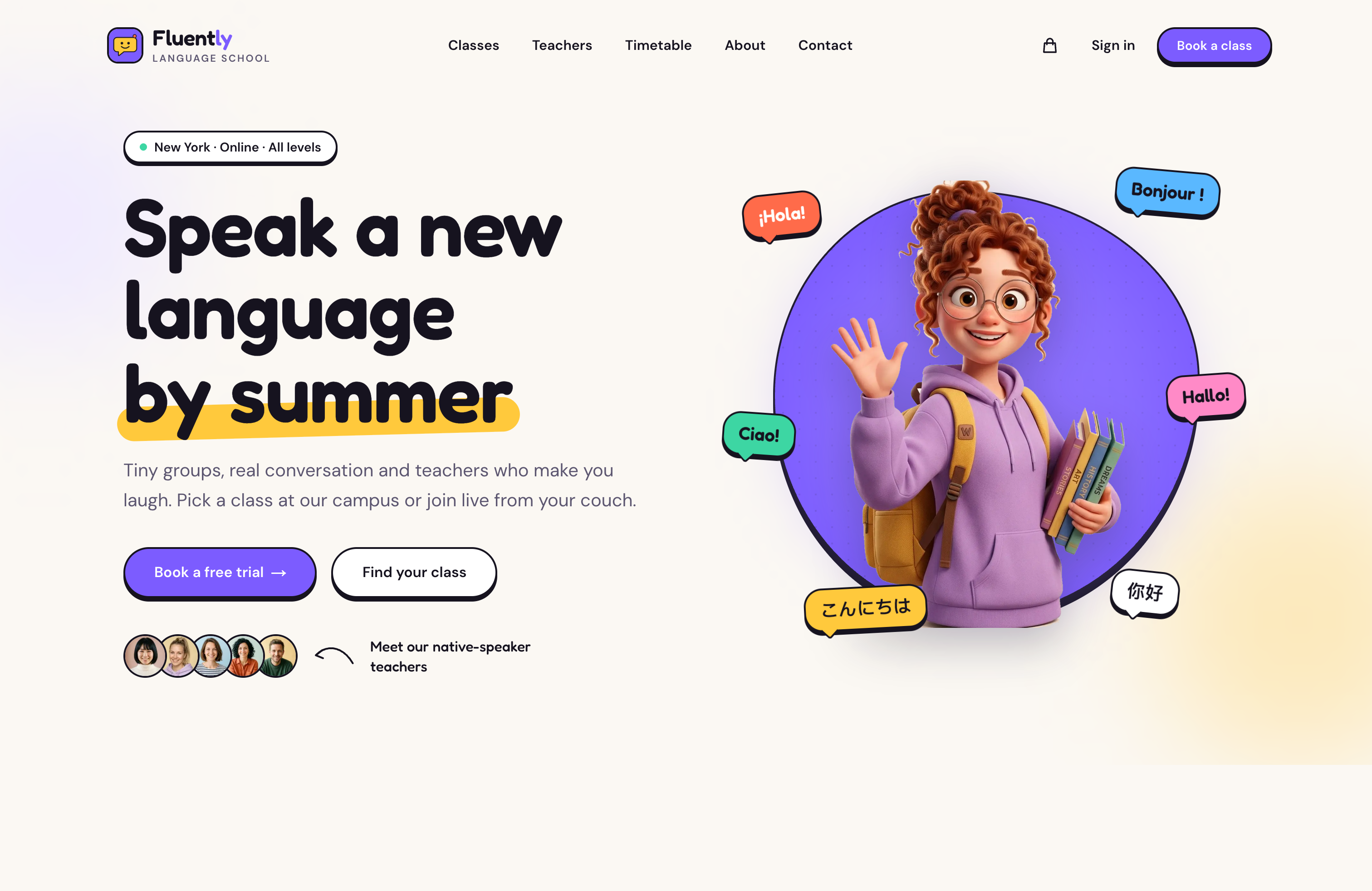
Homepage hero — friendly and colorful, with a free trial up front
The school model
This is the part worth copying even if you never ship Fluently itself. It uses existing Opencals features only, and the template reads everything from the data, so nothing about languages is hard-coded.What’s inside
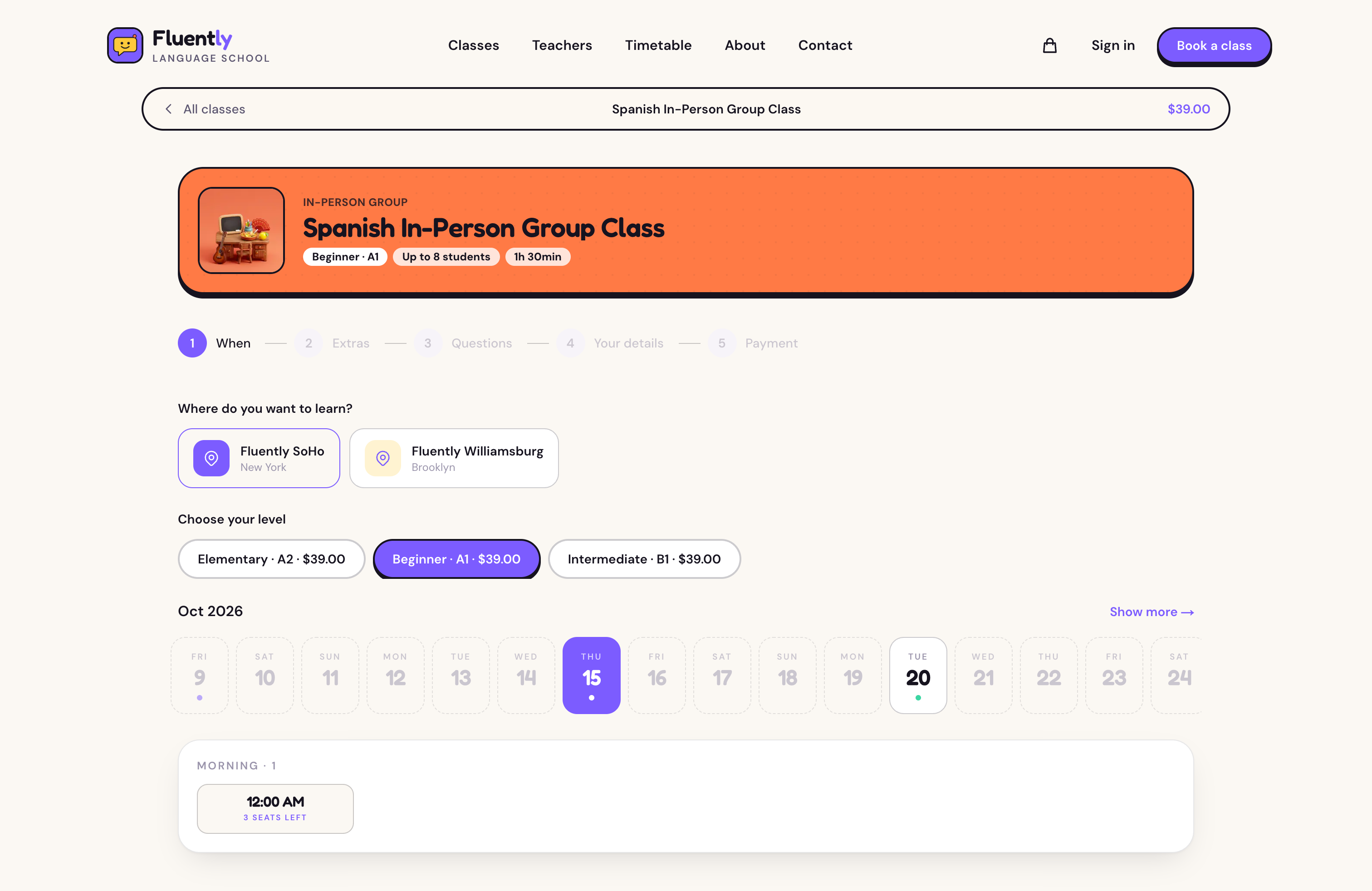
Class booking — campus or online, level, date and time, with live seats left
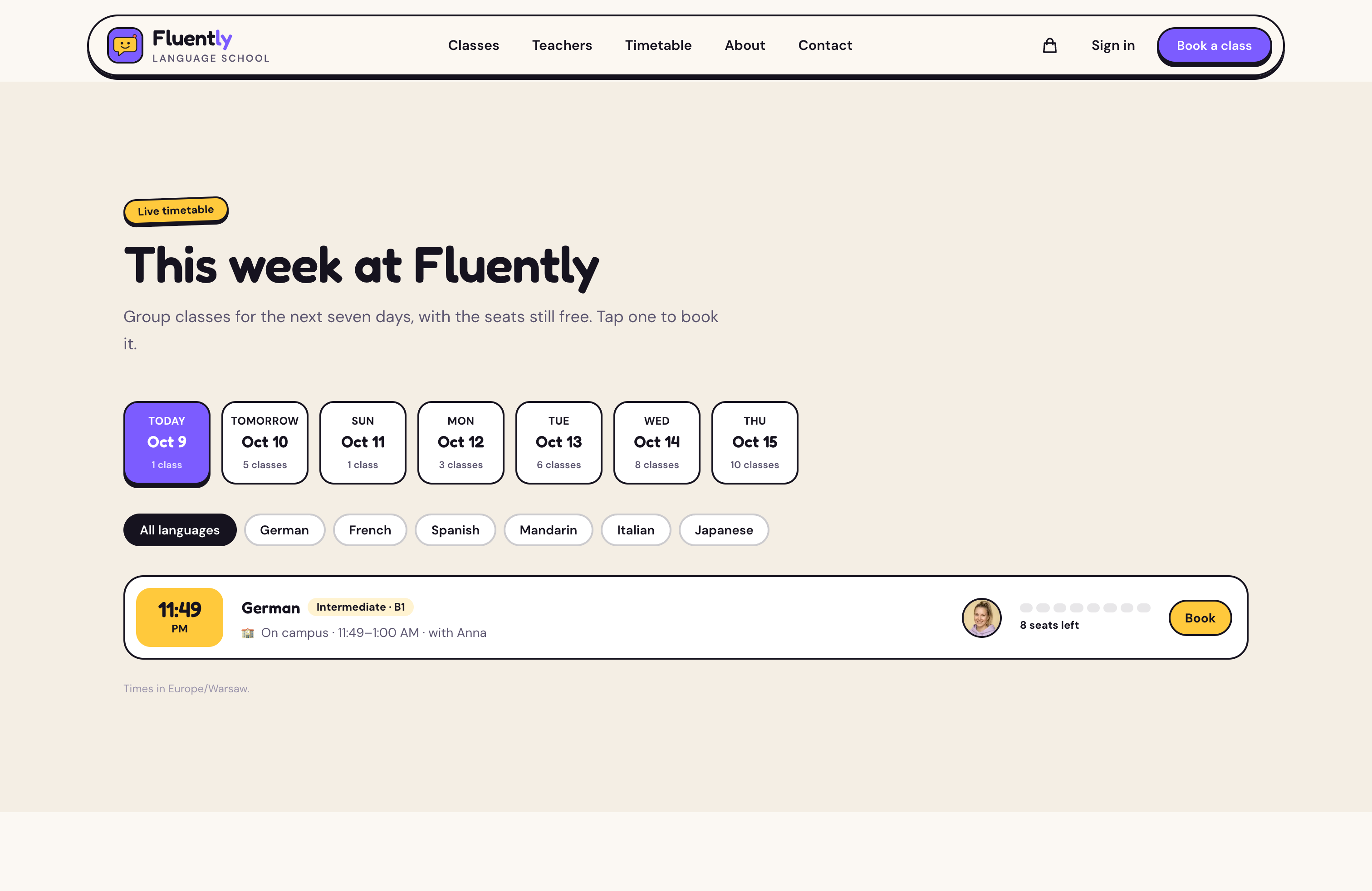
Timetable — group classes for the week ahead, filterable by language
Get started
1
Clone and install
2
Add your API key
Create a store in the Opencals dashboard and choose
the Fluently dataset preset (
language_school). It seeds the six
languages, campus and online group classes with level variants, private
lessons, the free trial, teachers, both campuses, the online classroom with
its link, extras and placement questions. Then grab a Storefront API key
(see Authentication) and set OPENCALS_API_KEY,
AUTH_SECRET and NEXT_PUBLIC_SITE_URL in .env.local.3
Run it
4
Deploy
Push to your own repo and deploy to Vercel,
or host anywhere Next.js runs.
Pages are server-rendered, so their API calls carry no browser
Origin.
Leave allowed origins empty on the key you give this template, or those
calls are rejected.Set Storefront Base URL in your dashboard (Settings → API) to your
deployed domain. Every customer link (view, reschedule, cancel, leave
feedback) is built as
{storefrontBaseUrl}/link/{token}, so if it still
points at localhost those emailed links go nowhere.Make it yours
MIT-licensed: rebrand it, restructure it, or use it for client work. All copy lives inlib/site-config.ts: hero, format descriptions, the level quiz, how it
works, testimonials, FAQ and values. Every colour and font is a Tailwind v4
@theme token in app/globals.css:
classes-and-lessons reference with the full pattern.